Creating social media content sounds simple until you actually have to do it every day. I have often started with a good idea, only to realize that one post needs a visual, another needs a video, and almost every post needs a caption, hashtags, editing, and scheduling. By the time everything is ready, the original idea can lose its momentum.
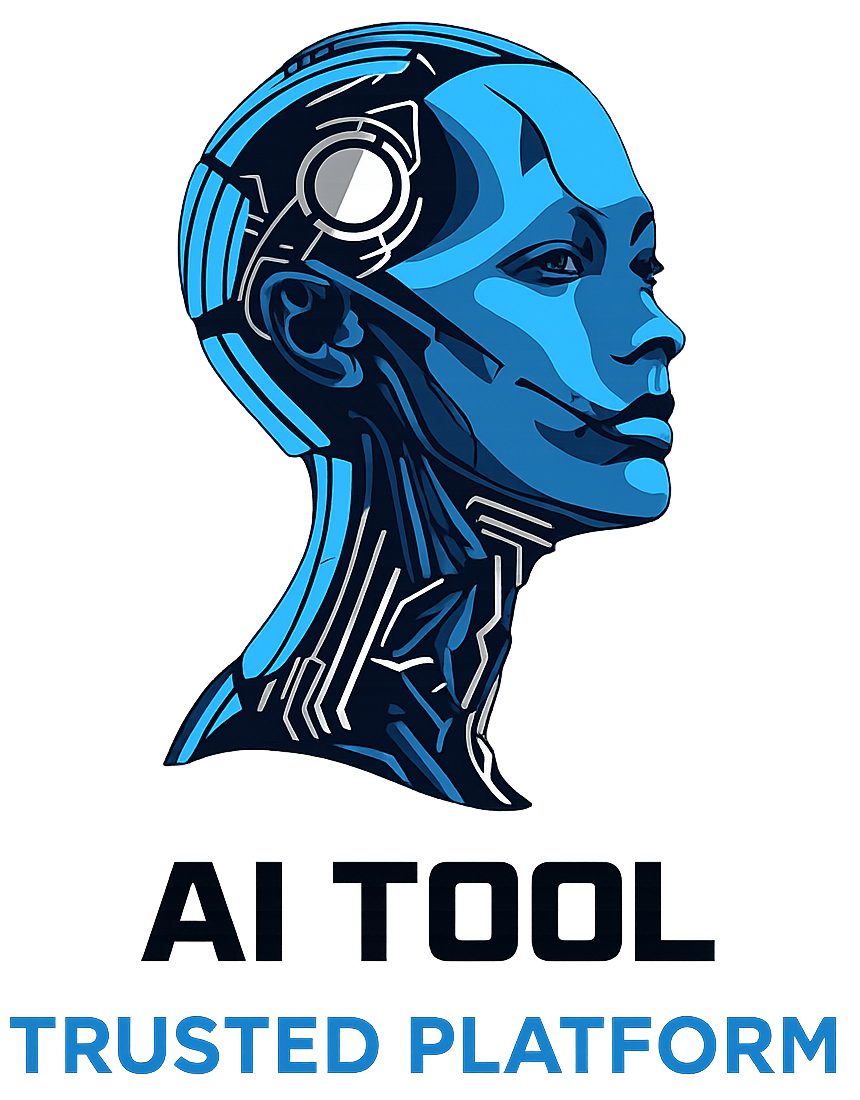
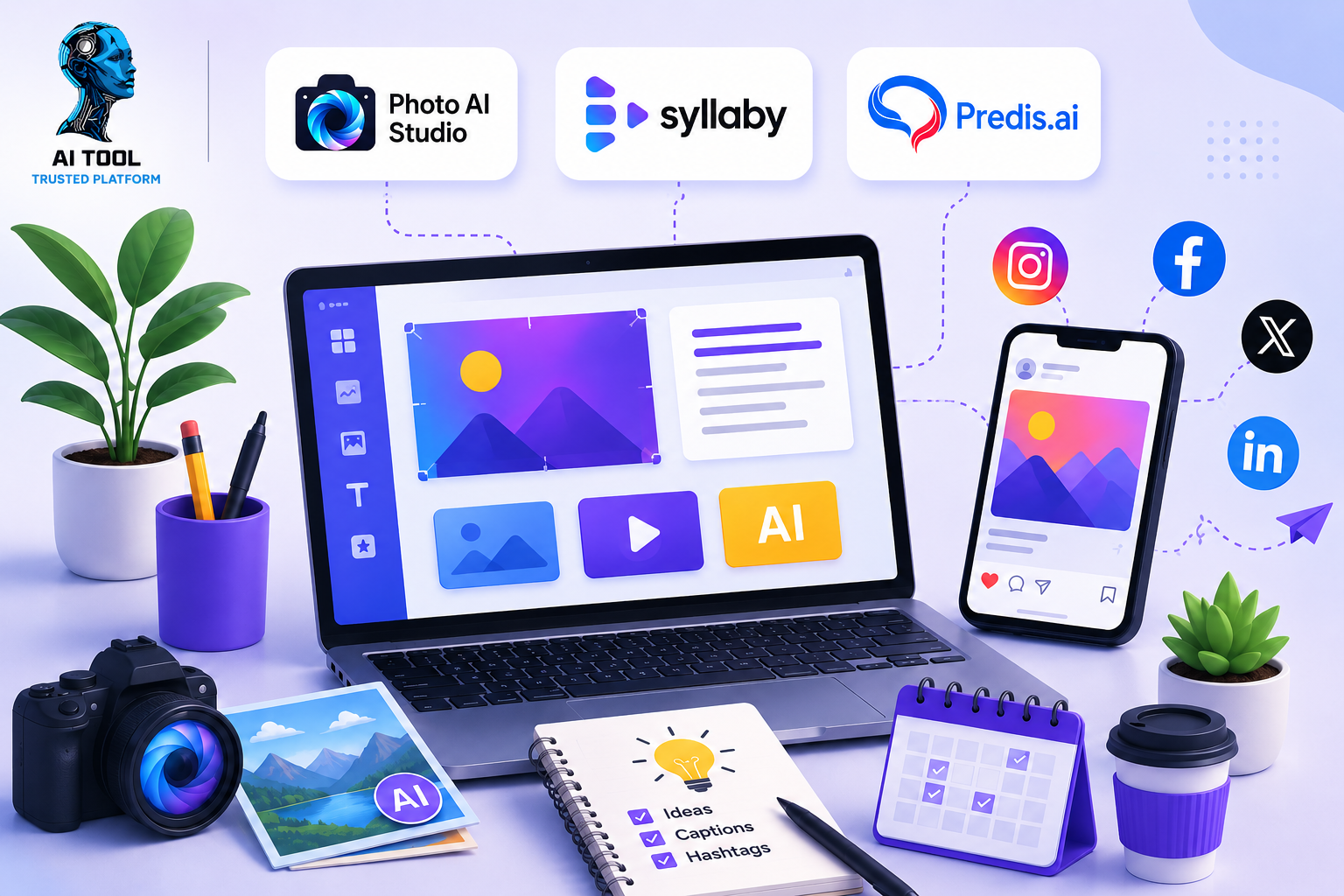
That is where AI tools for social media content can make the workflow easier. Instead of expecting one tool to handle everything, I found it more practical to use different AI tools for different parts of the process. In this guide, I will show how Photo AI Studio, Syllaby.ai, and Predis.ai can be combined to turn one simple idea into visuals, video content, and social media posts.
The important thing to remember is that AI does not mean pressing one button and publishing whatever comes out. The better approach is to use AI for the repetitive parts of content creation while keeping human judgment involved in the final result.
Why Use Three AI Tools for Social Media Content?
Different types of social media content require different workflows. An image-focused post needs strong visuals, while a Reel or Short needs a script, scenes, voice, and editing. A finished social media post also needs a caption, design, and platform-specific formatting.
That is why I prefer to think about the process in three stages:
Photo AI Studio → Create visual content
Syllaby.ai → Create video and script content
Predis.ai → Turn the idea into social media-ready posts
The three tools can overlap in some areas, but using them according to their strengths can make the workflow easier to organize.
1. How to Create Social Media Visuals With Photo AI Studio
The first step is creating the visual that will attract attention to the content. Photo AI Studio provides several image-generation and editing options, including Studio Photoshoots, Custom Image, Professional Headshots, Clothes Try-On, Model Creator, Avatar Generator, Thumbnail Generator, and Hairstyle Changer. Its official tutorials also list UGC Generator, Product Promotion, Photo Editor, Enhance Image, and Photo Restoration among its workflows.
🔗Try Photo AI Studio for Free:
For social media content, I would not try to use every feature. Instead, I would choose the feature according to the type of post I am creating.
Step 1: Decide What Visual You Need
Before opening the tool, decide what the post is about.
For example, imagine that I want to create content around:
“5 Simple Ways to Improve Your Morning Routine.”
I could create a lifestyle image showing a person starting their morning, a custom graphic, or a thumbnail that represents the topic.
The goal is to start with the content idea rather than randomly generating an image.
Step 2: Choose the Appropriate Photo AI Studio Tool
If I need a completely new image, Custom Image can be a suitable starting point because it generates photos from a prompt. If I want a more professional portrait, Professional Headshots or Studio Photoshoots may be more appropriate.

For a video thumbnail, the Thumbnail Generator can be useful. If I already have an image but need to improve it, the editing and enhancement tools can become part of the workflow.
Step 3: Write a Specific Prompt
Instead of entering something vague like:
“Morning routine”
I would give the AI more context:
“Create a clean, realistic lifestyle image showing a young professional starting a healthy morning routine at home, drinking water beside a bright window, natural lighting, modern interior, social-media-friendly composition.”
The more clearly I describe the subject, setting, mood, and purpose, the easier it is to evaluate whether the result matches the content.
Step 4: Review and Improve the Image
This is an important step that is easy to skip.
I would check whether the image actually represents the topic, whether objects look realistic, whether there are distracting details, and whether the image works at the intended social-media size.
If something looks wrong, I would revise the prompt or use an editing feature rather than immediately publishing the first result.
Photo AI Studio can therefore serve as the visual-production stage of the workflow.
2. How to Create Video Content With Syllaby.ai
Once the visual idea is ready, the next challenge is turning the same topic into video content.
Syllaby.ai is particularly focused on video creation and content workflows. Its current platform includes tools for faceless videos, short-form and long-form videos, AI script generation, AI avatars, video editing, content calendars, social publishing, and other video workflows.
The platform describes its workflow in four main stages: generating an idea, writing a script, generating the video, and scheduling or publishing it.
Step 1: Start With a Content Idea
I can take the same morning-routine topic and develop it into a short video.
For example:
“5 simple morning habits that can make your day more productive.”
Rather than immediately creating a video, I would first decide what I want the audience to learn.
Step 2: Develop the Script
Syllaby’s AI script workflow can help turn a topic into a structured script. Its platform supports idea creation and AI script generation, allowing users to work from a topic before moving into video creation.
A simple structure could be:
Hook:
“Your morning does not need to start at 5 a.m. to be productive.”
Point 1: Drink water.
Point 2: Avoid checking your phone immediately.
Point 3: Plan your most important task.
Point 4: Get some movement.
Point 5: Give yourself a few quiet minutes.
Closing:
“Which of these habits would you actually try tomorrow?”
This gives the video a clear beginning, middle, and ending.
Step 3: Turn the Script Into Video
After reviewing the script, I can move into video creation. Syllaby supports formats such as faceless videos, short-form videos, AI avatars, and other video styles. Its workflow can generate scenes, voiceover, and visuals, after which the content can be edited before publishing.
This is particularly useful when I want to create a video without recording myself on camera.
Step 4: Edit Before Publishing
AI-generated video should not automatically be considered finished.
I would check:
- Does the opening grab attention?
- Is the narration natural?
- Are the visuals relevant?
- Are the scenes changing at an appropriate pace?
- Is the text easy to read?
- Does the video fit the intended platform?
Syllaby also provides an online video editor and content scheduling features, so editing and organizing the finished content can remain within the same workflow.
3. How to Create Social Media Posts With Predis.ai
After creating the visual and video, the next step is turning the idea into social-media-ready content.
This is where Predis.ai can be useful. Its official social media post generator can create posts from a text prompt, including captions, images, videos, carousels, and hashtags. It also provides an editor for customization and supports scheduling and publishing across social platforms.
Step 1: Enter the Content Idea
I can give Predis a simple instruction such as:
“Create an Instagram post about 5 simple morning habits that can help people start their day more productively.”
The important part is that I do not need to write the entire post from scratch.
Step 2: Review the Generated Content
Predis can generate a social-media post based on the input and selected preferences. The generated design can then be customized through its creative editor.
At this stage, I would check whether the caption sounds like something a real person or brand would say.
AI-generated captions can sometimes sound too generic, so I would remove unnecessary phrases and add a more natural tone.
Step 3: Customize the Design
If the generated design does not match my brand, I would change the template, fonts, colors, call-to-action, or other design elements.
Predis also supports brand-related customization, including brand colors, fonts, logos, and tone of voice.
Step 4: Schedule the Content
Once the post is ready, Predis allows users to download, publish, or schedule content. Its platform supports scheduling across several major social platforms.
This means the content does not have to be created and published immediately.
How the Three AI Tools Work Together
Now the workflow becomes much clearer.
Suppose I want to create a social media campaign around “5 Simple Ways to Improve Your Morning Routine.”
I could use the tools like this:
Step 1: Photo AI Studio — Create the Visual
I create a realistic lifestyle image related to the morning routine.
The image can become the main visual for an Instagram post, supporting content for a video, or a thumbnail.
Step 2: Syllaby.ai — Create the Video
I take the same topic and turn it into a short script.
Syllaby can then help develop the script into video content, including suitable visuals, voice, and scenes depending on the chosen workflow.
Step 3: Predis.ai — Create the Social Post
I use the topic to generate a social media post and caption.
The visual created earlier can be incorporated into the wider content workflow, while the video can be promoted through another social post.
Step 4: Human Review
Before publishing anything, I review all three outputs.
This is where I check the facts, tone, spelling, visuals, branding, and whether the content actually provides something useful to the audience.
Step 5: Publish or Schedule
Once everything looks right, I can prepare the content for publication or scheduling.
The result is not just one AI-generated post. It becomes a small content package built around one idea.
What I Like About Using Three AI Tools:
The biggest advantage of this approach is that I can separate the creative work into manageable stages.
Photo AI Studio focuses heavily on image creation and visual editing. Its available tools range from custom images and photoshoots to enhancement and video-oriented features.
Syllaby.ai is useful when the content needs to become a video. Its workflow covers ideas, scripts, video generation, editing, and publishing.
Predis.ai is useful for creating social-media-ready posts, captions, creatives, and scheduling content.
The advantage is not that I have three AI tools open at once. The advantage is that one content idea can be developed into several formats.
What AI Still Cannot Do for Me:
There is one mistake I would avoid: assuming that AI-generated content is automatically ready to publish.
AI can help with production, but I still need to make decisions.
For example, I need to decide whether the topic is actually useful to my audience. I need to check whether claims are accurate. I need to make sure an image represents what I intended. I also need to remove generic wording from captions and make the final content sound like my brand.
This human review is particularly important when content involves health, finance, legal information, product claims, or statistics.
AI should make the process easier, not remove responsibility for the final content.
A Simple Social Media Workflow to Follow:
If I were creating content regularly, I would keep the workflow simple:
1. Choose one topic.
Start with one clear audience problem or question.
2. Create the visual in Photo AI Studio.
Generate or edit the image needed for the content.
3. Turn the topic into video content with Syllaby.ai.
Develop the idea, script, video, and supporting elements.
4. Create the social post with Predis.ai.
Generate the caption and social-media creative, then customize it.
5. Review everything manually.
Check accuracy, quality, branding, and audience relevance.
6. Publish or schedule.
Distribute the content on the platforms where the target audience actually spends time.
Do You Need All Three AI Tools?
Not necessarily.
If I only need an image, Photo AI Studio may be enough for that particular task. If my main goal is producing short-form videos, Syllaby.ai may be more relevant. If I need social media posts, captions, designs, and scheduling, Predis.ai may cover more of that workflow.
The real value comes from choosing the tool according to the job instead of forcing every piece of content through all three platforms.
For example:
| Content Requirement | Tool to Consider |
|---|---|
| AI-generated images | Photo AI Studio |
| Photo editing and enhancement | Photo AI Studio |
| Video ideas and scripts | Syllaby.ai |
| Faceless or AI video content | Syllaby.ai |
| Social media posts | Predis.ai |
| Captions and hashtags | Predis.ai |
| Social media scheduling | Predis.ai |
Frequently Asked Questions (FAQs):
Q1: What are the 3 AI tools for social media content?
👉The three AI tools covered in this article are Photo AI Studio, Syllaby.ai, and Predis.ai. Each can be used for a different part of the social media content creation process, including visuals, video content, scripts, posts, captions, and related tasks.
Q2: Can I create social media content using AI?
👉Yes. AI tools can help with several parts of social media content creation, such as generating images, developing video scripts, creating captions, designing posts, and organizing content. However, reviewing and customizing AI-generated content is still important.
Q3: Is Photo AI Studio useful for social media content?
👉Yes. Photo AI Studio can be used to create and edit visual content for social media, including custom images, photoshoots, thumbnails, headshots, image enhancement, and other visual formats.
Q4: Do I need to use all 3 AI tools?
👉No. You do not need to use all three tools for every piece of content. You can choose the tool based on your specific requirement—for example, Photo AI Studio for visuals, Syllaby.ai for video content, and Predis.ai for social media posts.
Q5: Are these AI tools free to use?
👉Yes, these AI tools offer free options, but features and usage limits may vary by tool.
Final Thoughts:
Creating social media content does not have to mean starting from a blank screen every time. A single idea can become a visual, a video, a caption, and several social media posts when the workflow is planned properly.
For me, the simplest way to understand the three-tool approach is:
Photo AI Studio for the visual.
Syllaby.ai for the video and script.
Predis.ai for the social media post and publishing workflow.
The important part is not simply using AI. It is knowing where AI can save time and where human input still matters. I would always review the generated content, customize it for the audience, and make sure it sounds natural before publishing.
Best AI Tools to Create SEO-Optimized Content
When you combine the right AI tool with your own ideas, editing, and creativity, which part of your social media content workflow would you automate first?